Terraform & Ansible Secure Gitea Lab
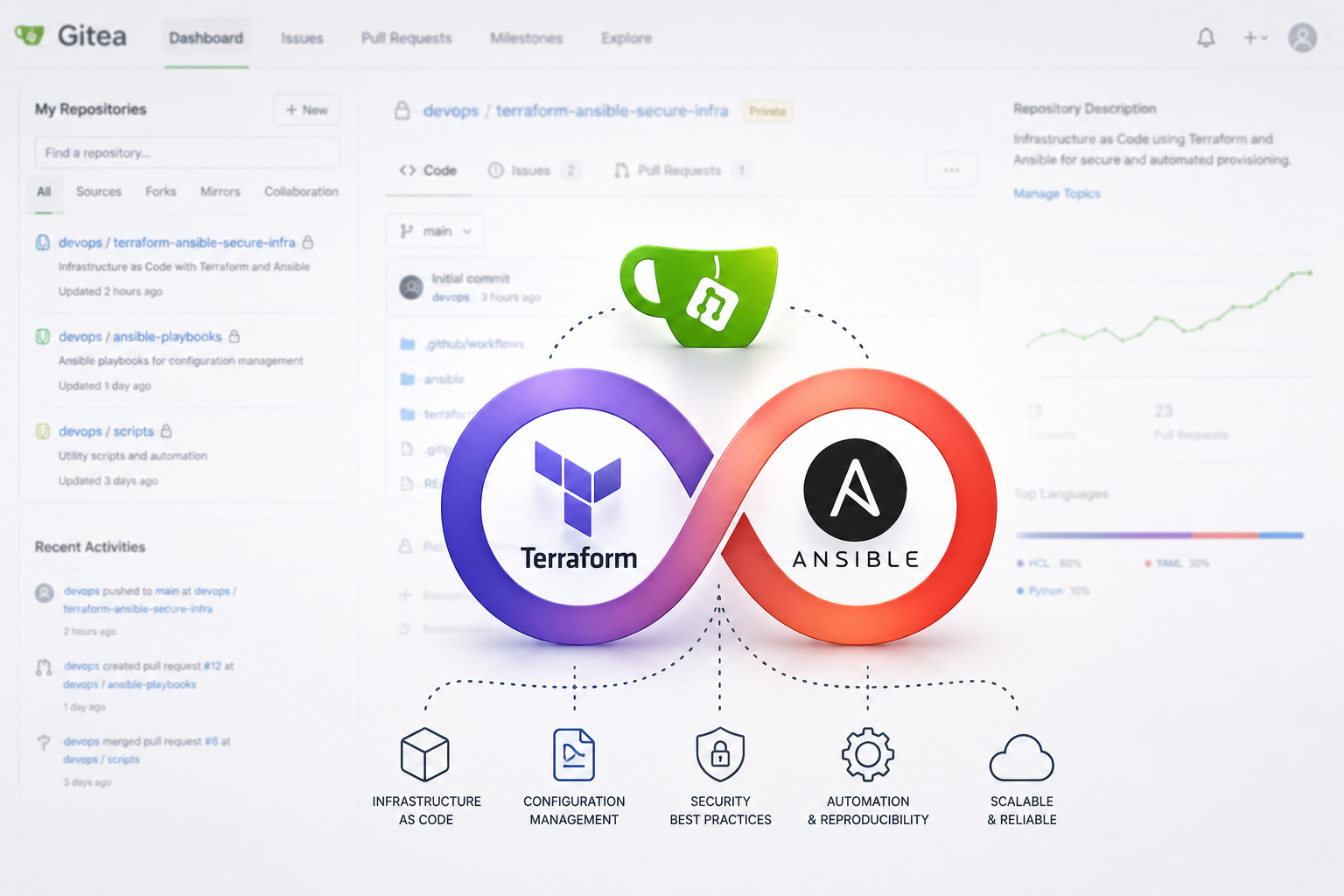
Infrastructure as Code and Configuration Management project focused on automated Linux server provisioning, Docker deployment, and SSH hardening inside a local virtualization lab.
Overview
This project demonstrates how to automate the deployment and hardening of a Linux-based Git server using Terraform, Ansible, Docker, Gitea, GitHub Actions, and Linux security best practices.
The environment was built inside a local virtualization lab using a macOS control node and an Ubuntu Server VM running in VirtualBox.
Instead of configuring the server manually, the entire environment can now be recreated automatically using Infrastructure as Code and Configuration Management principles.
Project Goals
The primary objective of this project was to gain hands-on experience with:
- Infrastructure as Code (IaC)
- Linux server automation
- Dockerized deployments
- Configuration management
- Secure remote administration
- SSH hardening
- Firewall management
- CI validation workflows
The project focuses on reproducibility, automation, and security.
Why Terraform?
Terraform is an Infrastructure as Code (IaC) tool developed by HashiCorp.
Terraform allows infrastructure to be defined declaratively instead of being configured manually.
In this project, Terraform was used to:
- Learn Infrastructure as Code concepts
- Create a structured infrastructure workflow
- Validate Terraform configurations
- Understand reproducible infrastructure deployments
Although this project runs locally inside a VM environment, the same concepts can later be applied to cloud platforms such as AWS, Azure, DigitalOcean, Hetzner, or Google Cloud Platform.
Why Ansible?
Ansible is a configuration management and automation tool.
Instead of manually typing Linux commands on the server, Ansible automates the entire setup process.
This project uses Ansible to automate:
- Package installation
- Docker installation
- Firewall configuration
- Fail2Ban installation
- Gitea deployment
- SSH hardening
- Service management
If the server fails, the complete environment can be recreated automatically using a single playbook.
Lab Architecture
MacBook (Control Node)
│
├── Terraform
├── Ansible
├── VS Code
├── GitHub
└── SSH

            │
            │ SSH
            ▼

Ubuntu Server VM (Managed Host)
│
├── Docker
├── Gitea
├── UFW Firewall
├── Fail2Ban
└── Hardened SSH Configuration
Technologies Used
Infrastructure & Automation
- Terraform
- Ansible
- GitHub Actions
Operating System
- Ubuntu Server 24.04 LTS
Virtualization
- VirtualBox
Containerization
- Docker
- Docker Compose
Self-Hosted Service
- Gitea
Security
- UFW Firewall
- Fail2Ban
- SSH Hardening
- SSH Key Authentication
Project Structure
terraform-ansible-secure-infra/
│
├── terraform/
│   └── main.tf
│
├── ansible/
│   ├── inventory/
│   │   └── hosts.ini
│   │
│   ├── playbooks/
│   │   ├── site.yml
│   │   └── group_vars/
│   │       └── gitea.yml
│   │
│   └── roles/
│       ├── common/
│       ├── docker/
│       ├── security/
│       ├── ssh_hardening/
│       └── gitea/
│
├── .github/
│   └── workflows/
│       └── validate.yml
│
├── ansible.cfg
├── .gitignore
└── README.md
Environment Setup
The project environment consists of:
| System | Purpose |
|---|---|
| macOS | Control Node |
| Ubuntu Server VM | Managed Host |
| VirtualBox | Virtualization |
| SSH | Remote Management |
The macOS machine acts as the Ansible control node while the Ubuntu VM acts as the managed target system.
VirtualBox Networking
The Ubuntu VM was configured using:
- NAT Networking
- Port Forwarding
Forwarded ports:
| Service | Host Port | Guest Port |
|---|---|---|
| SSH | 2222 | 22 |
| Gitea Web UI | 3000 | 3000 |
Example SSH connection:
ssh user@192.168.x.x -p 2222
SSH Configuration
SSH was configured between the macOS control node and the Ubuntu VM.
The project uses:
- SSH key authentication
- Disabled password authentication
- Disabled root login
This significantly improves remote access security.
Ansible Inventory
Example:
[gitea]
ubuntu-vm ansible_host=192.168.x.x ansible_port=2222 ansible_user=user
The inventory defines:
- Target host
- SSH port
- SSH user
- Host grouping
Ansible Roles
Common Role
Installs general Linux packages and updates the operating system.
Installed packages include:
- curl
- wget
- git
- unzip
- ca-certificates
- gnupg
Docker Role
Automates Docker installation and configuration.
Tasks performed:
- Removes conflicting packages
- Adds official Docker repository
- Installs Docker Engine
- Installs Docker Compose
- Starts Docker automatically
- Adds user to Docker group
Security Role
Configures:
- UFW Firewall
- Fail2Ban
- Firewall Rules
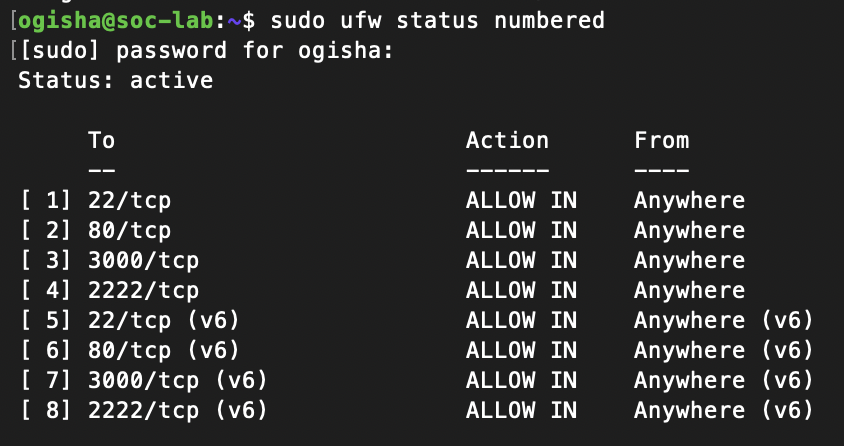
Allowed ports:
| Port | Purpose |
|---|---|
| 22 | SSH |
| 3000 | Gitea Web Interface |
Default policy:
deny incoming
SSH Hardening Role
Improves remote access security by:
- Disabling root login
- Disabling password authentication
- Enabling SSH key authentication
- Disabling empty passwords
The project also demonstrates troubleshooting Ubuntu SSH configurations using:
/etc/ssh/sshd_config.d/
Gitea Role
Automates the deployment of a self-hosted Git service.
Tasks performed:
- Creates deployment directories
- Deploys Docker Compose configuration
- Configures environment variables
- Starts the Gitea container automatically
Dockerized Gitea Deployment
Gitea was deployed using Docker Compose.
The deployment includes:
- Persistent Docker volumes
- Environment variables
- Automatic restart policies
- Containerized isolation
GitHub Actions CI Validation
GitHub Actions were added to validate the infrastructure code automatically.
Validated components:
- Terraform formatting
- Terraform configuration
- Ansible syntax
- YAML formatting
Example validation commands:
terraform fmt -check -recursive
terraform validate
ansible-playbook --syntax-check
yamllint .
Security Features
This project includes several security-focused components:
- SSH Hardening
- SSH Key Authentication
- UFW Firewall
- Fail2Ban
- Docker Isolation
- Infrastructure as Code
- Automated Configuration Management
Screenshots
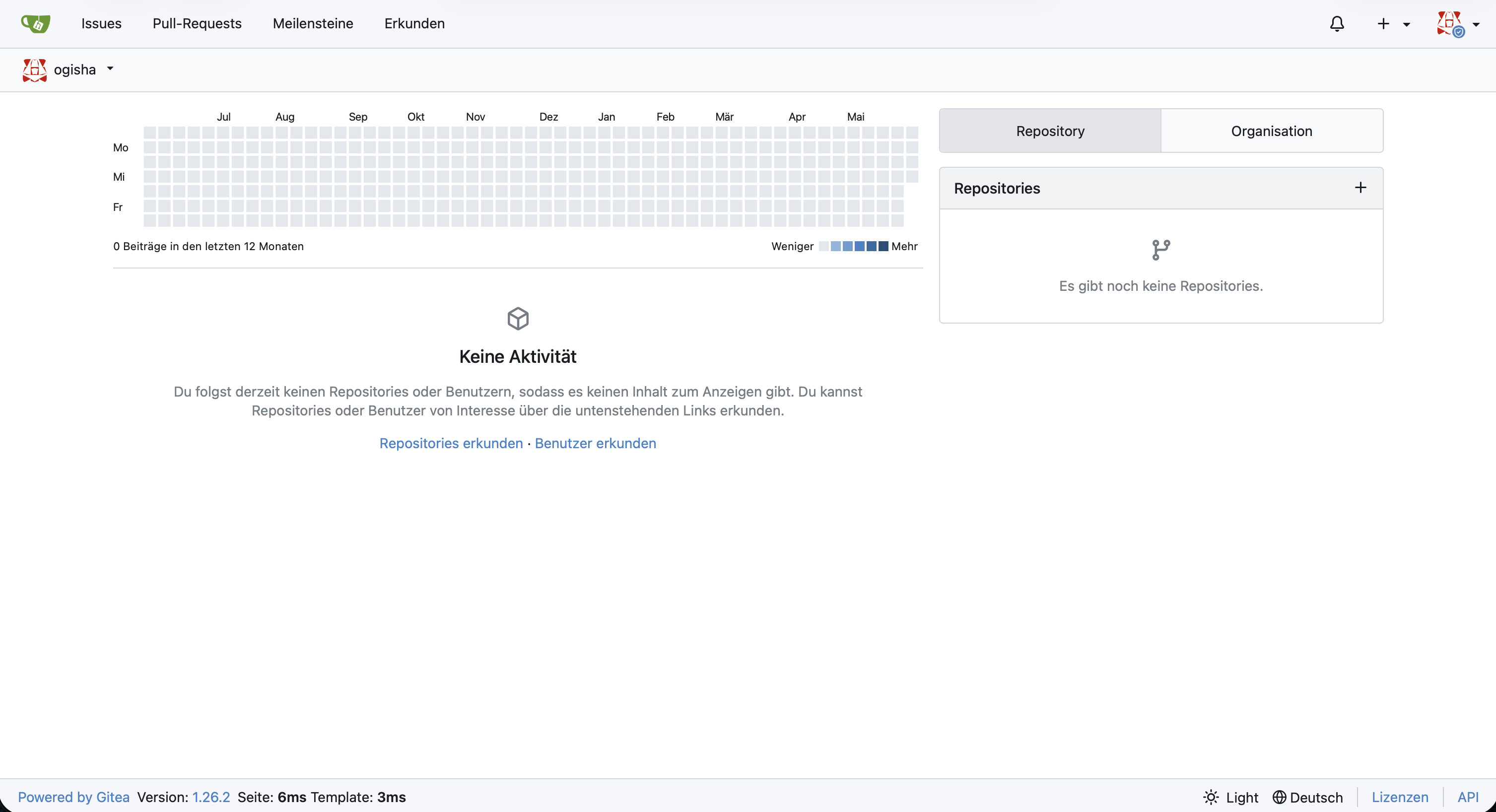
Gitea Dashboard
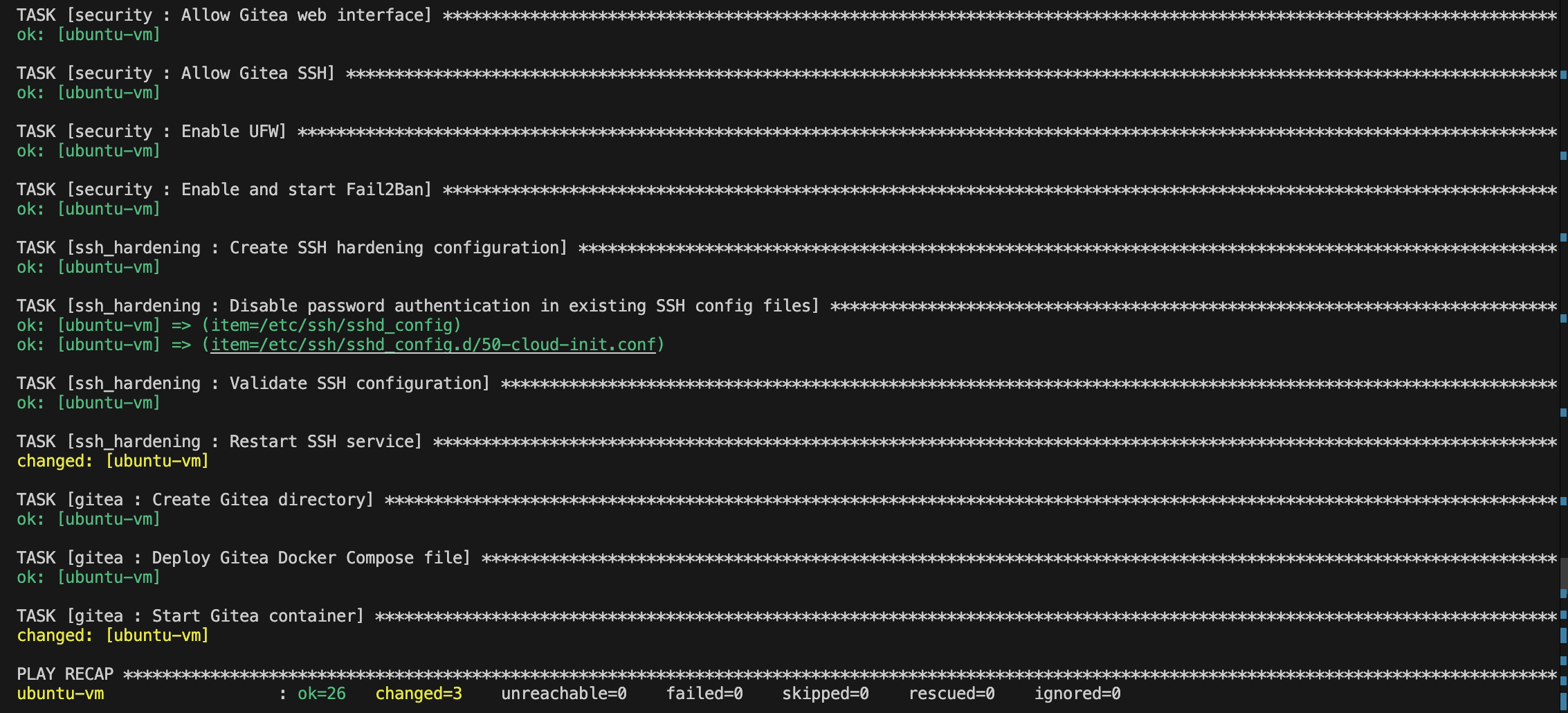
Successful Ansible Playbook Execution
Docker Container

UFW Firewall Status
SSH Hardening Validation

Learning Outcomes
This project provided practical experience with:
- Infrastructure as Code
- Linux Administration
- Docker Automation
- Secure Remote Access
- Configuration Management
- CI Validation Workflows
- Infrastructure Validation
- DevSecOps Concepts
- SSH Troubleshooting
- Linux Service Troubleshooting
Conclusion
This project demonstrates how modern Linux infrastructure can be automated using Infrastructure as Code and Configuration Management tools.
Instead of manually configuring systems, the entire environment can now be recreated consistently and securely using:
- Terraform
- Ansible
- Docker
- GitHub Actions
The project also demonstrates practical Linux hardening, automation workflows, and DevSecOps concepts inside a realistic local lab environment.